
Website traffic checkers compared: what each really measures
Website traffic checkers do not all measure the same thing. Compare panels, search models, DNS lists and browser data so you pick the right source for your question.
StartupsIntel team · Mar 26, 2026 · 7 min read
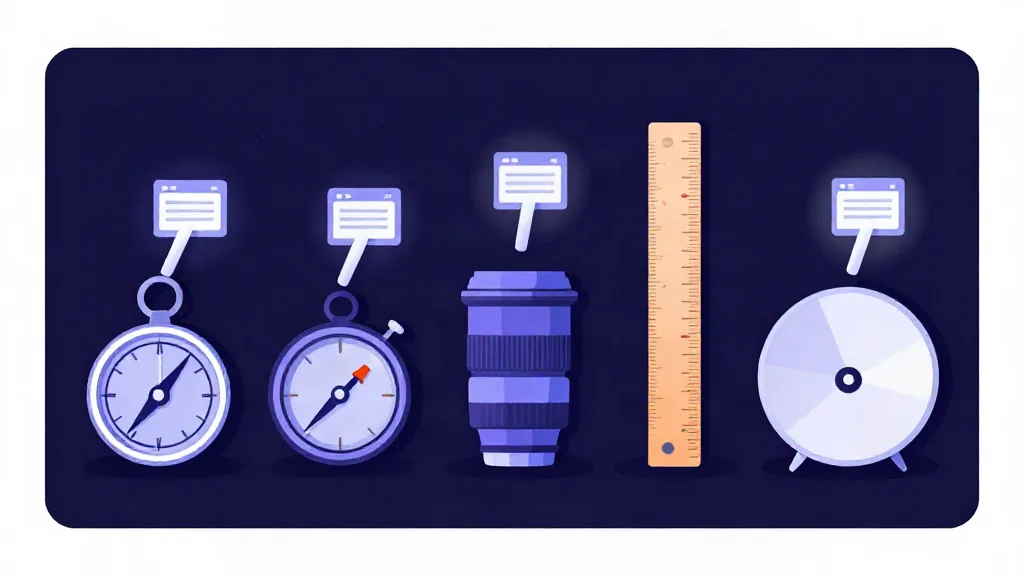
Two website traffic checkers can look at the same domain and report very different numbers because they measure different things. One counts search clicks, another watches DNS lookups, a third counts links from other sites. Once you know what each data source actually observes, you can choose the right tool for the question you are asking.
The five kinds of traffic data
Almost every traffic checker is built from one or more of these inputs. Understanding them matters more than memorizing brand names.
1. Panel and clickstream data
Panel-based tools collect browsing behavior from a sample of people, often through browser extensions, apps or partnerships with internet providers. They then scale that sample up to the whole internet using statistical models. This is the approach behind the big commercial platforms.
Panels can cover all traffic channels, not only search. Their weakness is sample size. When a site is small, very few panel members visit it, so the scaled number is noisy. Panels can also over-represent some countries and under-represent others.
2. Keyword and search-click models
SEO platforms estimate organic traffic by taking the keywords a site ranks for, multiplying each keyword's search volume by an expected click-through rate for its position, and adding it up. This tells you something real about search visibility, but it covers only one channel.
It misses direct visits, email, social, referrals and app traffic. A brand with a loyal audience that types the address directly can look small in a keyword model even though it is large. For a site that lives on search, the model works better. In a small Screaming Frog test, long-tail and location-specific traffic was consistently underestimated, which is exactly the kind of query the click models handle worst.
3. DNS lookup data
DNS rankings count how many distinct users or networks look up a domain. Cloudflare Radar builds its ranking from its public resolver and describes popularity as the estimated size of the user population looking up a domain, not raw traffic volume. Cisco Umbrella does something similar from its own resolvers.
DNS lists are excellent at ranking, because they see enormous volumes. But a lookup is not a page view. Domains used by apps, APIs and background services can rank higher than their human audience deserves.
4. Link popularity
The Majestic Million ranks domains by the number of referring subnets, meaning how many distinct networks link to them. That is a measure of authority and reach across the web, not of visits. Old, much-linked sites rank well even when their audience has shrunk, and new, fast-growing sites rank low until links accumulate.
5. Real browser experience data
The Chrome UX Report collects performance data from real Chrome users who have opted in. A site must be publicly discoverable and popular enough to qualify, and the dataset excludes Chrome on iOS and other Chromium browsers. It gives you a genuine, if partial, view of who actually visits, including country breakdowns.
Side-by-side comparison
| Data source | What it observes | Best for | Main blind spot |
|---|---|---|---|
| Panel and clickstream | A sample of real browsing sessions | All-channel visit estimates for mid-size and large sites | Small sites, panel bias by region |
| Keyword models | Search rankings and assumed clicks | Organic search potential | Direct, social, email and app traffic |
| DNS lookups | Name resolution requests | Ranking sites against each other | Non-human and non-web lookups |
| Link counts | Referring networks | Authority and age | Actual visitors |
| Chrome UX Report | Opted-in Chrome users | Country mix and real-user signals | Non-Chrome and iOS Chrome users |
Combining sources is better than trusting one
Each input has a different error. A DNS list may overrate an API-heavy domain. A link list overrates an old site. A keyword model underrates a brand-driven site. When you average several independent lists, the errors partly cancel. Tranco was built for exactly this reason. It averages Cloudflare Radar, Chrome UX Report, Cisco Umbrella and Majestic over 30 days and applies filters so that only sites regularly visited in Chrome remain.
StartupsIntel follows the same principle. The traffic checker models monthly visits from five free lists and shows regional data from Chrome UX Report country lists. Everything is explained on the methodology page, and every revenue figure is labelled as an estimate.
Which tool for which question
Match the data source to the decision.
- "Is this competitor big or small?" Any ranking list works. Look for agreement across several.
- "How much search traffic could I win?" A keyword model is built for this question.
- "Where do their visitors live?" Use Chrome country data or a panel with strong regional coverage.
- "Is this site growing?" Compare the same source over several months. Use a monthly list such as the trending leaderboard rather than a single snapshot.
- "Is this domain trustworthy or established?" Link data and domain age matter more than traffic.
- "What should I pay for this business?" Do not rely on any outside estimate alone. Ask for the owner's analytics and payment data.
Common mistakes when comparing checkers
Comparing absolute numbers across tools. If tool A says 1.2 million and tool B says 800,000, neither is necessarily wrong. They may define visits differently, count different channels or cover different countries. Compare each tool against itself over time.
Ignoring the definition of a visit. Some sources count unique visitors, some sessions, some page views. A ratio of two to five page views per visit is common, so mixing these can inflate a figure by several times.
Treating rank as traffic. A rank tells you order, not volume. Two sites can sit at adjacent ranks and still have noticeably different visits at the lower end of a list, because rank spacing widens as you go down.
Trusting a single snapshot. One month of data can be unusual. Seasonality, a product launch or a bot spike can all distort it.
Forgetting the audience. A tool with a US-and-Europe-heavy panel can underestimate a site popular in Asia or Africa. Check where the audience really is before you trust the total.
A practical way to verify an estimate
If an estimate really matters, test it three ways. First, check whether at least two independent sources agree on scale. Second, see whether the site's content, hiring and pricing look consistent with that scale. Third, ask the owner. A founder who is selling a business can show analytics, and a verified marketplace listing shows revenue confirmed from the payment provider rather than guessed from traffic.
Questions to ask any traffic checker
Whatever tool you use, a handful of questions will tell you most of what you need to know about its output. What does it count, visits or visitors or page views? Which channels does it include? How large and how current is the data behind it? Does it show a range, or only a single figure? And does it tell you what it cannot see?
A tool that answers these plainly is easier to trust than one that hides its method behind a single confident number. Methodology pages are boring but valuable. If a vendor will not explain where its numbers come from, treat its figures as marketing and not as measurement.
FAQ
Which traffic checker is the most accurate?
None is accurate for every site. Panel tools tend to do better on large sites, keyword tools do better on search-driven sites, and free ranking lists are best at ordering sites against each other. The best approach is to use more than one and look for agreement.
Why does a DNS-based ranking differ from a page-view ranking?
DNS lookups include apps, APIs and background services, and one person can trigger many lookups without reading a page. A site can therefore rank highly on DNS even if few people browse it.
Are free traffic checkers reliable?
They are reliable for scale, ranking and direction, and weak for exact counts and small sites. Treat their output as a range and record the date you checked.
Can I combine several traffic checkers?
Yes, and you should. Averaging independent sources reduces the error of any single one, which is why public aggregate lists like Tranco combine several inputs.
traffic checkerdata sourceswebsite analyticscomparison