Browser extension
See what is behind every website you visit
Traffic estimate, popularity rank, SEO score and domain records in a side panel next to the page. Free with your StartupsIntel account.
Chrome, Edge and Brave · Version 1.0.0 · Chrome Web Store listing coming soon
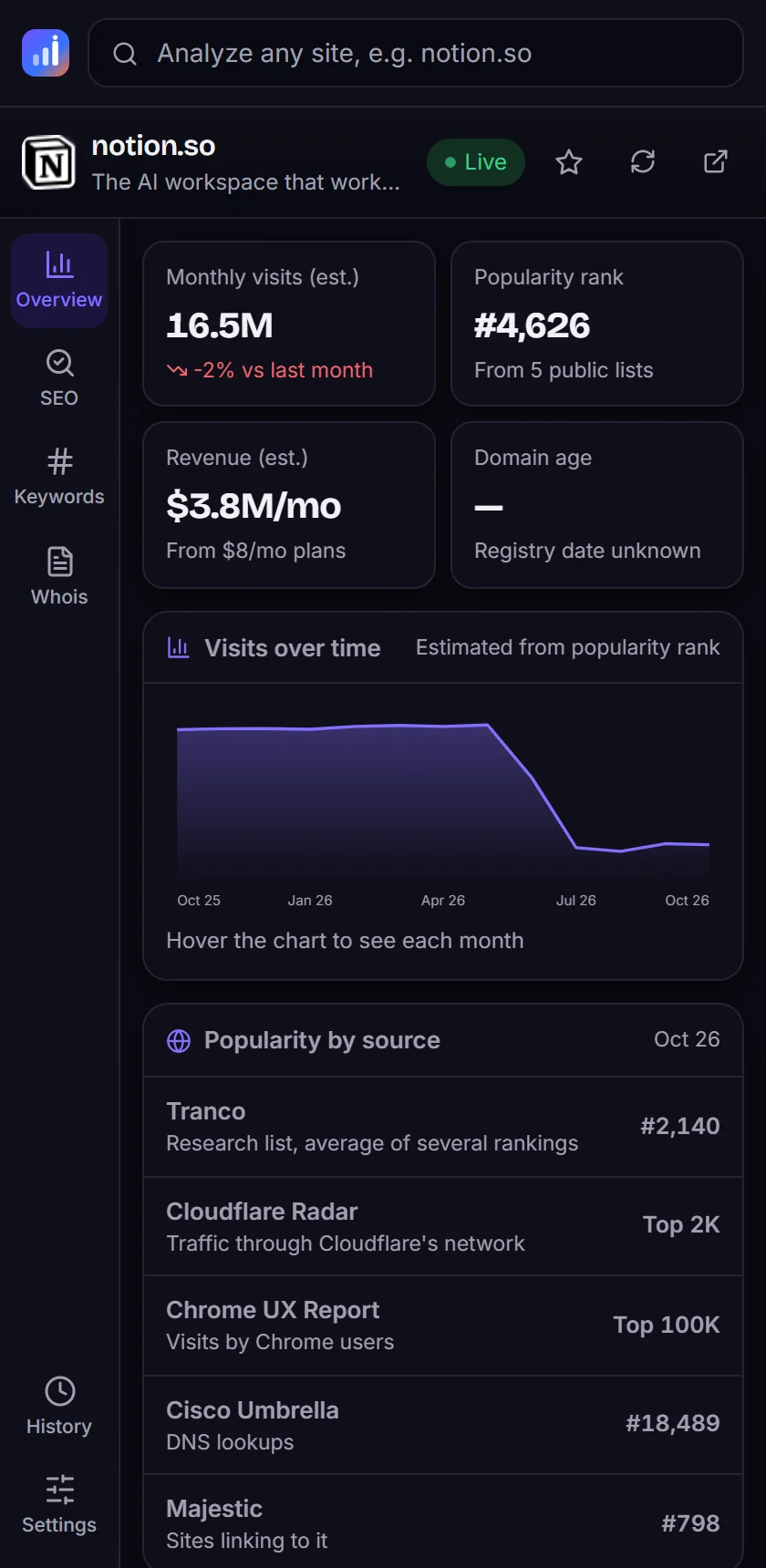
Everything from a site report, one click away
The panel shows the same data as our website traffic checker, for the tab you are on, without leaving the page.
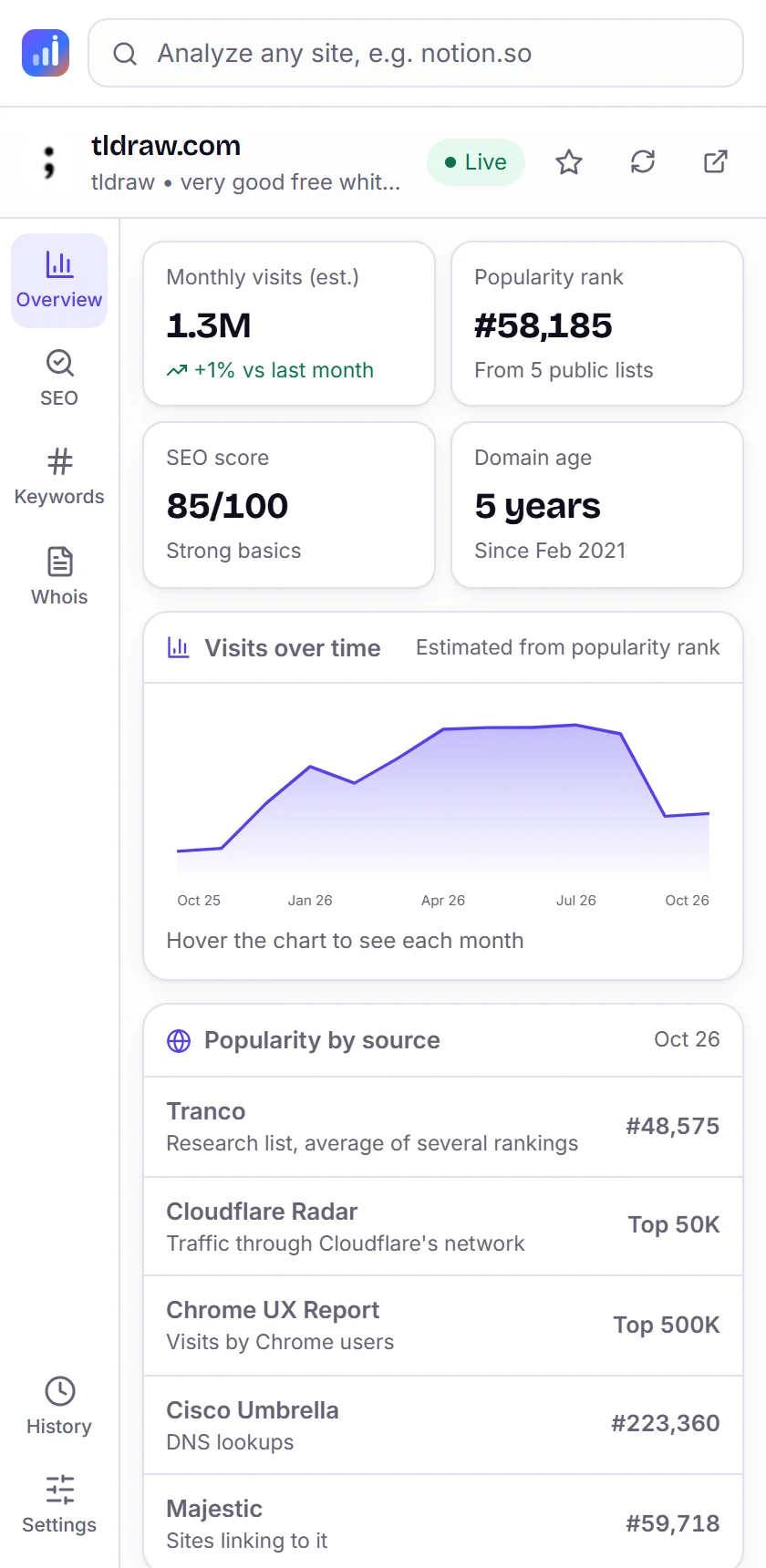
Traffic and trend
Estimated monthly visits, change from last month and a 12-month chart for the site you are on.
Popularity and markets
Rank across Tranco, Cloudflare Radar, Chrome UX Report, Cisco Umbrella and Majestic, plus top countries.
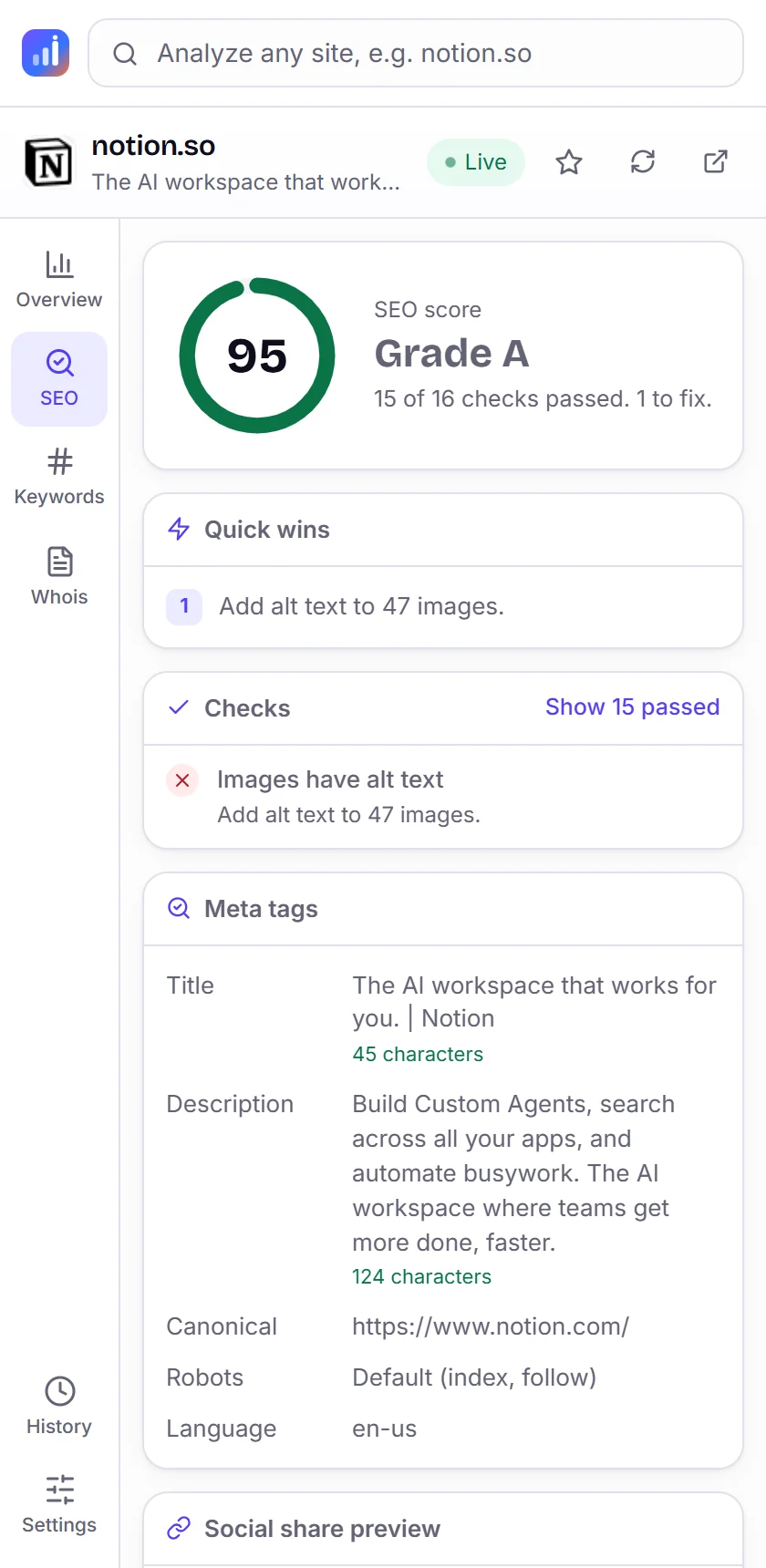
SEO score and quick wins
A 0 to 100 score from 16 checks, meta tags with length hints, headings, social preview and tech stack.
Domain records
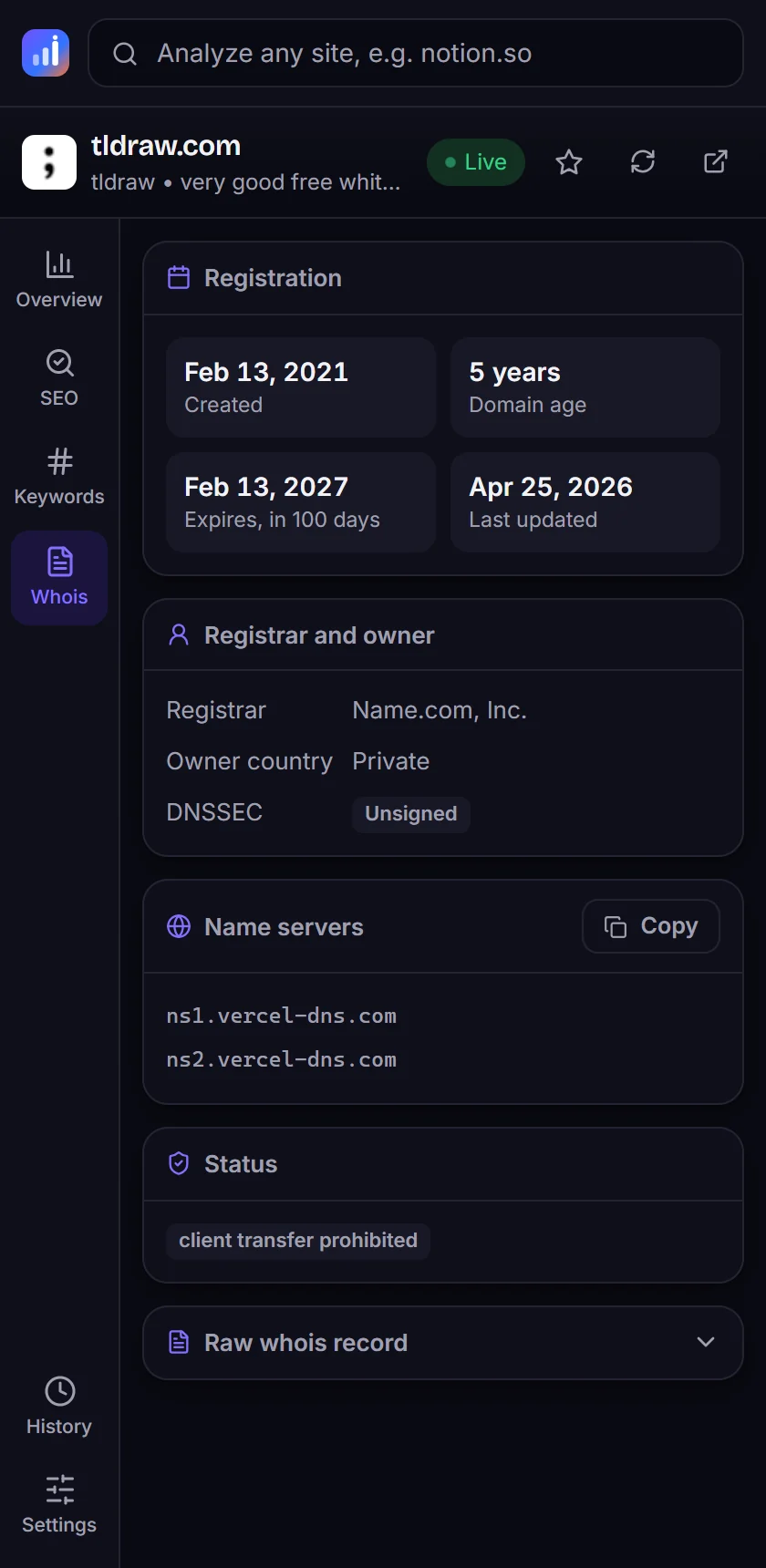
Registrar, creation and expiry dates, owner country, name servers and the raw whois record.
AI startups and deals
Spot sites listed in our AI startups directory, their revenue when verified, and startups for sale.
Right-click any link
Choose "Analyze this link with StartupsIntel" to check a site before you even open it.
History and watchlist
Every site you check is one click away, and the star adds it to your watchlist on the site.
Light and dark
Matches your browser theme, follows the tab you are on, and stays out of the way.
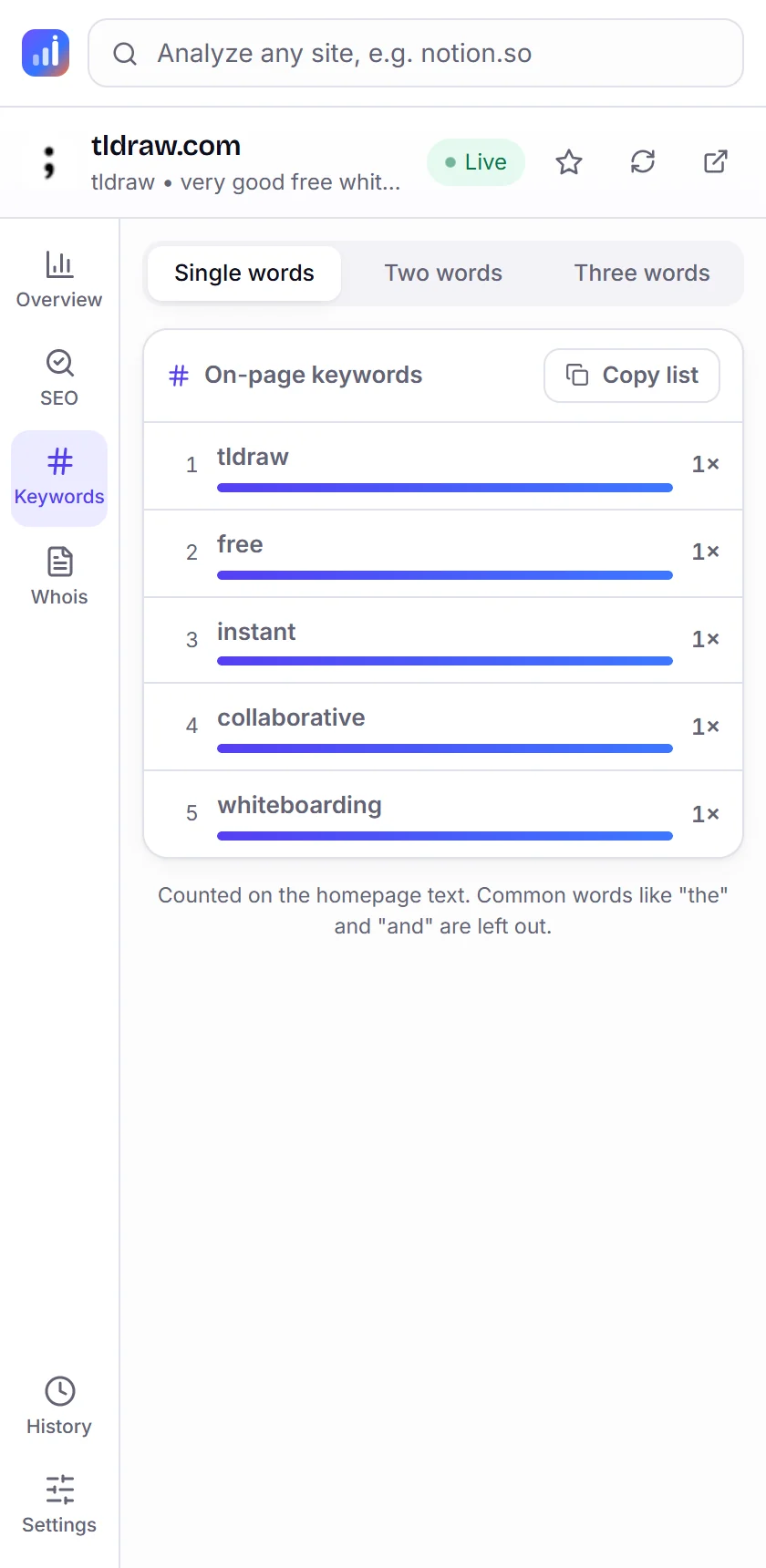
Inside the panel
How to install
- 1Download and unzipDownload the extension and unzip it into a folder you will keep.
- 2Open the extensions pageType
chrome://extensionsin the address bar (Edge:edge://extensions) and switch on Developer mode, top right. - 3Load itPress Load unpacked and choose the unzipped folder.
- 4Pin and connectPin StartupsIntel from the puzzle icon, click it on any site, then Continue with StartupsIntel.
Tip: press Alt + Shift + S to open the panel from the keyboard.
Questions
Is it free?+
Yes. The extension is free with a StartupsIntel account. Free accounts can analyze 30 new sites an hour, and sites you opened recently are always free to reopen.
Which browsers does it work in?+
Chrome, Microsoft Edge, Brave and other browsers built on Chromium that support side panels (Chrome 114 or newer).
What does it read from my browser?+
Only the website name of the tab you are on, and only while the side panel is open. It never reads page content, form fields or your browsing history.
Where do the numbers come from?+
The same data as our website: five public popularity lists for traffic, our own crawler for SEO, and the domain registries for whois. Visits are estimates, see How we measure.
Can I sign in with Google?+
Yes. Press Continue with StartupsIntel in the panel, sign in on the site the way you usually do, and the extension connects by itself.
Read the extension section of our privacy policy.
Check your next competitor in one click
Free with a StartupsIntel account. Takes a minute to set up.